Person, then garment
Slot one is a single person. Slot two is the garment photo. One file stops the run.
Image to video turns one still into a short clip.
OpenAn AI clothes changer takes the person in the first photo and the garment in the second. The outfit changes. The face and the pose stay.
Model
Quick select
Changes one thing and keeps the subject recognizable.
The upload is deleted within one hour after the run finishes. It is not used to train photoeditor models. The provider receives it only to make that edit.
Try these examples
Aspect ratio
Upload the person and the garment.
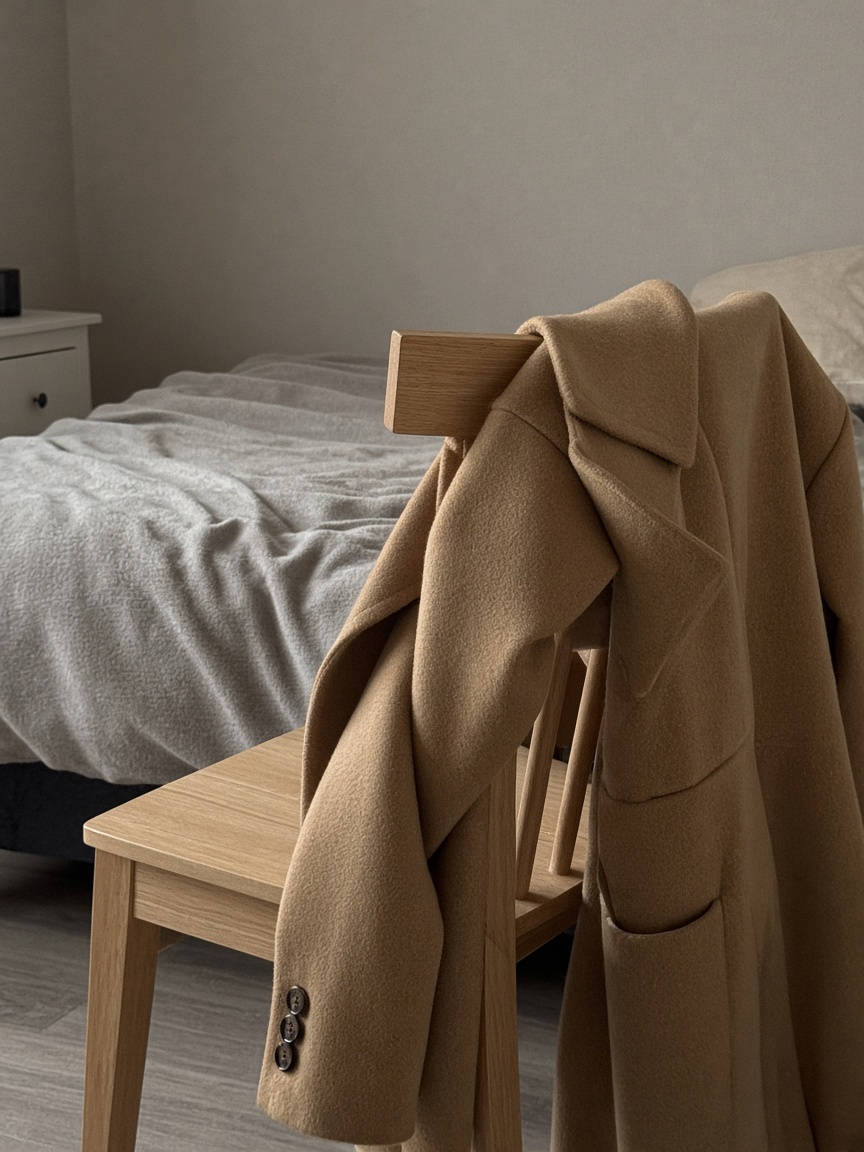
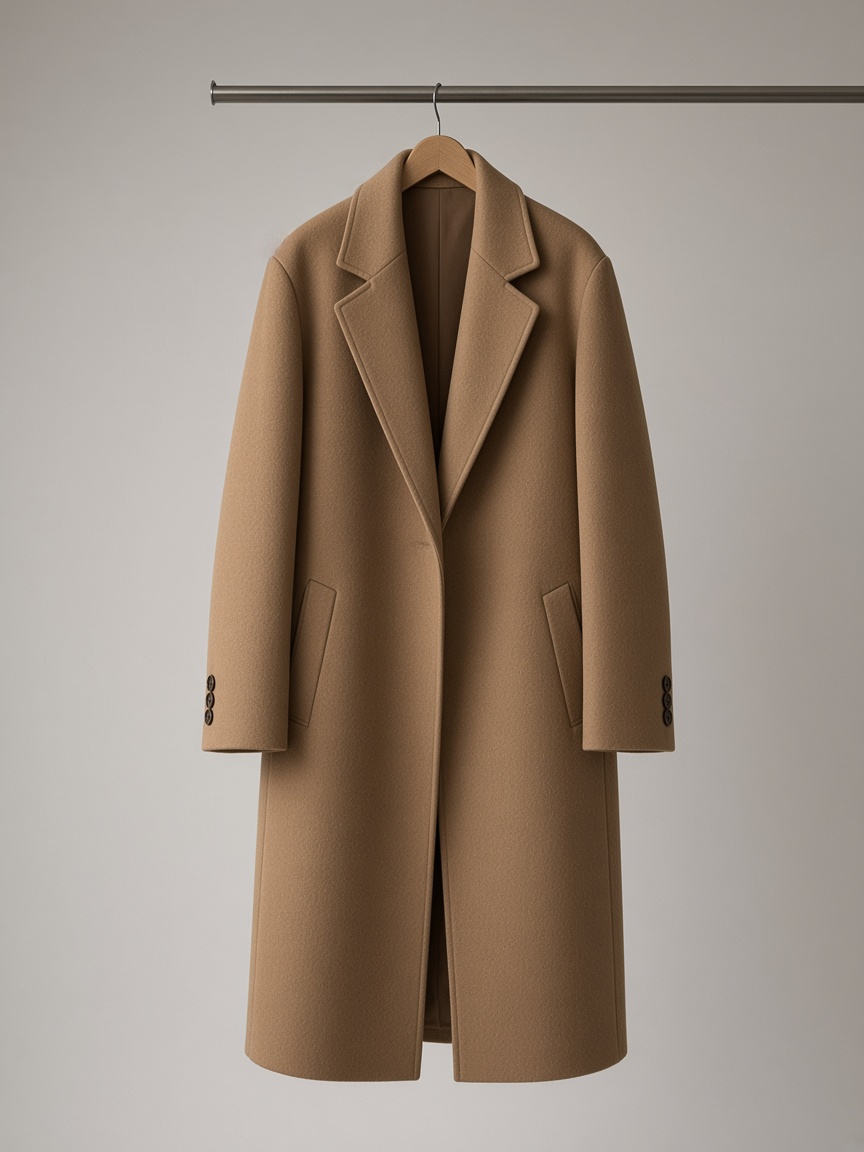
This example does not fill the upload.
The person photo goes in first and the garment photo goes in second. One run replaces the clothing.
It fits a clear photo of one person. A crowd, a hidden garment, or a pet is the wrong job.
The sample writes the instruction on the upper frame. The lower frame is the coat after the edit. Hair color uses one portrait instead of a garment slot.
Slot one is a single person. Slot two is the garment photo. One file stops the run.
The starting prompt names the face, identity, and pose. There is no separate lock slider.
The starting prompt does not mention the room. Write the background in if it must stay.
One clothes change on this page is two files and one model. The first file is the person. The second file is the garment. Standard uses google/nano-banana-edit and spends 2 credits. Plus monthly is $33 for 800 credits, so those 2 credits are $0.0825. Lite monthly is $17 for 400 credits, so the same Standard run is $0.085. The button prints 2 credits before the JPEG, PNG, or WEBP leaves the browser.
Nano Banana 2 uses nano-banana-2, locks the output at 1K, and spends 4 credits. On Plus monthly that is $0.165. On Lite monthly that is $0.17. Nano Banana Pro uses nano-banana-pro, also locks 1K, and spends 8 credits: $0.33 on Plus monthly and $0.34 on Lite monthly. This clothes editor has no output-count control, so the button is never a multiple of those numbers.
A new account receives 4 credits once, and those 4 credits do not expire. That balance covers one Nano Banana 2 run, or two Standard runs of 2 credits each. It does not cover one Nano Banana Pro run of 8 credits. If the signed-in balance is below the number on the button, the click goes to the pricing page instead of starting the upload.
Pro monthly is $72 for 1,750 credits, about $0.0411 per credit, so a Standard 2-credit run is about $0.0823. Plus yearly is $297 for 7,200 credits, the same $0.04125 per credit as Plus monthly, so Standard stays $0.0825. The Spark pack is $29 for 700 credits that do not expire, and 2 credits on that pack are about $0.0829. Kie lists Standard at $0.02, Nano Banana 2 at $0.04, and Nano Banana Pro at $0.09. Those provider prices are not the price on the button.
Clothes mode accepts exactly two images. Upload the person first and the garment second. A click with one JPEG, or with none, stops on the warning “Upload the person and the garment.” Each file must be image/jpeg, image/png, or image/webp, and each file must be 10MB or smaller. A 1000-character prompt is the only instruction the run receives.
The box starts with this sentence: “Change the person's clothing to match the garment in the second photo. Keep the person's face, identity, and pose.” There is no separate face-lock slider next to the 2-credit, 4-credit, or 8-credit button. If the face should stay, leave that sentence in the 1000-character prompt. Deleting it means the run no longer has that instruction.
The default 1000-character prompt names the pose and does not name the background. A background that should survive the clothes change has to be written into the prompt, for example by saying the room behind the person stays. Standard, Nano Banana 2, and Nano Banana Pro all read that same prompt. None of them exposes a background toggle, and none of them prints a retention percent.
Standard and Nano Banana Pro offer auto, 1:1, 3:2, 2:3, 4:3, 3:4, 16:9, 9:16, 5:4, 4:5, and 21:9. Nano Banana 2 adds 4:1, 1:4, 8:1, and 1:8 on top of that list. The ratio changes the frame of the 1K output on Nano Banana 2 and Nano Banana Pro. It does not change the credit price. Standard has no resolution chip because its catalog resolution is empty.
After the run, the result stays available from Creations. Published retention is 7 days on the signup 4 credits, 30 days on Lite, 90 days on Plus, and 365 days on Pro. Downloading the JPEG, PNG, or WEBP does not spend a second charge. Keep editing does. The next click spends whatever the selected model shows, 2, 4, or 8 credits.
The clothes editor reads three rows from the catalog and no others. Standard is 2 credits on google/nano-banana-edit. Nano Banana 2 is 4 credits on nano-banana-2 with the output locked to 1K. Nano Banana Pro is 8 credits on nano-banana-pro, also 1K. Switching the model rewrites the button before any byte is sent. A 16:9 frame and a 1:1 frame cost the same 2, 4, or 8 credits.
Monthly credits arrive on each charge and expire after one month. Yearly credits arrive once and expire after one year. Pack credits, including the $29 Spark pack of 700 credits, do not expire. The signup grant is 4 credits, once per account, and it does not expire either. There is no daily grant. A clothes run spends from that shared balance, the same balance image edits and priced video models use.
A failed job returns the credits for that job without a request. The refund page states the same rule. A renewal is not refunded. A credit pack can be refunded within 14 days only when none of that pack's credits have been spent. The first subscription charge can be refunded within 14 days only when none of that period's credits were spent. Spending 2 credits on Standard, or 4 on Nano Banana 2, uses that period's credits, so the 14-day cash refund for the charge no longer applies. The credits for a failed job still return.
The two slots accept a JPEG before sign-in. Generate with both files missing stops on the warning and does not open Google sign-in. Generate with a person JPEG, a garment JPEG, and a prompt starts Google sign-in instead of sending those files. After sign-in, a balance under the button's 2, 4, or 8 credits redirects to pricing. Visa, Mastercard, Apple Pay, and Google Pay are the checkout methods listed for a plan or a pack. The clothes page itself does not take a card number.
Provider cost and the credit price are different numbers. Kie publishes $0.02 for google/nano-banana-edit, $0.04 for nano-banana-2 at 1K, and $0.09 for nano-banana-pro at 1K. The button charges 2, 4, or 8 credits. On Plus monthly, $33 divided by 800 credits prices those runs at $0.0825, $0.165, and $0.33. Quote the plan when you quote the dollars. A bare cent price without Lite, Plus, Pro, or Spark is the wrong label.
A group photo is the wrong first file. The control is one person plus one garment, two uploads, and a prompt of at most 1000 characters. It does not ask which face in a crowd should wear the garment. Sending a group JPEG still spends 2 credits on Standard, 4 on Nano Banana 2, or 8 on Nano Banana Pro if the job finishes. Pick one person, crop to that person, and upload the crop as the first file.
Occlusion is the wrong garment problem. A hand, a bag, a scarf, or hair covering the clothing leaves the second photo without a clear garment for nano-banana-2 or nano-banana-pro to match. The editor will still accept the PNG if it is under 10MB and the prompt is non-empty. A finished picture that missed the covered region is a successful job. Successful jobs do not return the 4 credits or the 8 credits.
A pet is the wrong subject. Clothes mode is built as a person in the first slot and a garment in the second slot. A dog, a cat, or a costume on an animal is not that pair. The 1K output from Nano Banana 2 will still be charged at 4 credits if the job completes. Use a person photo, or do not start the run.
Face, pose, and background are three different instructions. The stock prompt keeps the face, the identity, and the pose. It never mentions the background. Write the background into the remaining characters under the 1000-character cap if the street, the studio, or the chair must stay. There is no percent, score, or slider for how hard that request is followed on Standard at 2 credits.
A job that errors returns its credits. A job that returns a JPEG you dislike does not. That split is the whole refund rule for a clothes run. If the garment photo is a flat lay under 10MB and the person photo is one standing figure, the inputs match the control. If the person photo is a group, a covered torso, or a pet, fix the file before you spend the 2, 4, or 8 credits.
Standard is 2 credits on google/nano-banana-edit. Nano Banana 2 is 4 credits at 1K. Nano Banana Pro is 8 credits at 1K. On Plus monthly, $33 for 800 credits, those runs are $0.0825, $0.165, and $0.33. On Lite monthly, $17 for 400 credits, they are $0.085, $0.17, and $0.34. The signup grant of 4 credits covers one Nano Banana 2 run or two Standard runs.
Yes. The button shows 2, 4, or 8 credits for the model you selected, and it shows that number before the JPEG, PNG, or WEBP is uploaded. This page has no second output, so nothing multiplies the number. A balance below that number goes to pricing instead of starting the 10MB upload.
A failed job returns the 2, 4, or 8 credits it spent, without a request. A result you simply do not like is not a failed job. A renewal is not refunded. A credit pack can be refunded within 14 days only when none of that pack's credits have been spent. The first subscription charge can be refunded within 14 days only when none of that period's credits were spent.
Yes, when you already have the rights to both uploads: the person photo and the garment photo. The 1K file from Nano Banana 2 or Nano Banana Pro does not grant rights to a face, a logo, or a garment you did not own. Owning the JPEG you typed into the form is the condition.
Yes. Keep editing, or download the result and upload it as a new person file with a new garment. Either path spends a new run at the model you pick then: 2 credits for Standard, 4 credits for Nano Banana 2 at 1K, or 8 credits for Nano Banana Pro at 1K.
Skip a group photo, a garment hidden by a hand or a bag, and a pet. The control wants one person and one garment, each a JPEG, PNG, or WEBP at or under 10MB. Those three cases can still finish and still spend 2, 4, or 8 credits, because a finished image is not a failed job.
| Model | Kie id | Credits | Resolution | Plus monthly | Lite monthly |
|---|---|---|---|---|---|
| Standard | google/nano-banana-edit | 2 credits | No 1K chip | $0.0825 | $0.085 |
| Nano Banana 2 | nano-banana-2 | 4 credits | 1K | $0.165 | $0.17 |
| Nano Banana Pro | nano-banana-pro | 8 credits | 1K | $0.33 | $0.34 |
Plus monthly is $33 for 800 credits. Lite monthly is $17 for 400 credits. Pro monthly is $72 for 1,750 credits, and a 2-credit Standard run there is about $0.0823. Plus yearly is $297 for 7,200 credits, and Standard stays $0.0825 because the per-credit price matches Plus monthly. The $29 Spark pack holds 700 credits that do not expire, and 2 credits there are about $0.0829.
Hair color, a damaged scan, and a soft portrait are separate tools with their own credit numbers. A clothes run stays on Standard at 2 credits, Nano Banana 2 at 4 credits, or Nano Banana Pro at 8 credits.