A still that does not exist yet
Text to image starts from the sentence. There is no photo to upload.
Image to video turns one still into a short clip.
OpenWrite a new still from a sentence, or change a photo you upload. This page does not make a video.
Model
This model does not take a reference image.
Size
Outputs
Write a prompt.
An AI image generator on photoeditor is the still-image desk. One path starts from a sentence and returns a new picture. The other starts from a photo you upload and changes only the part you describe.
The model list, the shape of the frame, and the credits for that run sit on the same card as the prompt. You pick the path before you spend anything. A finished still can go back through the photo path if you want another pass.
A product photo, a portrait, and a room shot rarely need the same starting point. Writing from a sentence is useful when you do not have a source yet. Uploading a photo is useful when the object, the face, or the room has to stay recognizable.
Both paths share one account, one credit balance, and the same queue. Monthly credits last a month, yearly credits last a year, and a credit pack does not expire. A failed run returns the credits it spent.
Choose Text to image when you are starting from words, or Image to image when you already have a photo. Pick a model, set the frame, and read the credit count on the generate button.
Write the change in one sentence. On the photo path, upload the picture first. When the still arrives, download it or send it through Keep editing for another pass on the same photo.
Text to image is the path for a picture that does not exist yet. Describe the subject, the light, and what should stay out of the frame. The generator returns a still at the shape you picked.
Switch models if the first still misses the brief. Each model shows its own credit cost. The page does not invent a higher resolution than the model you selected can bill.
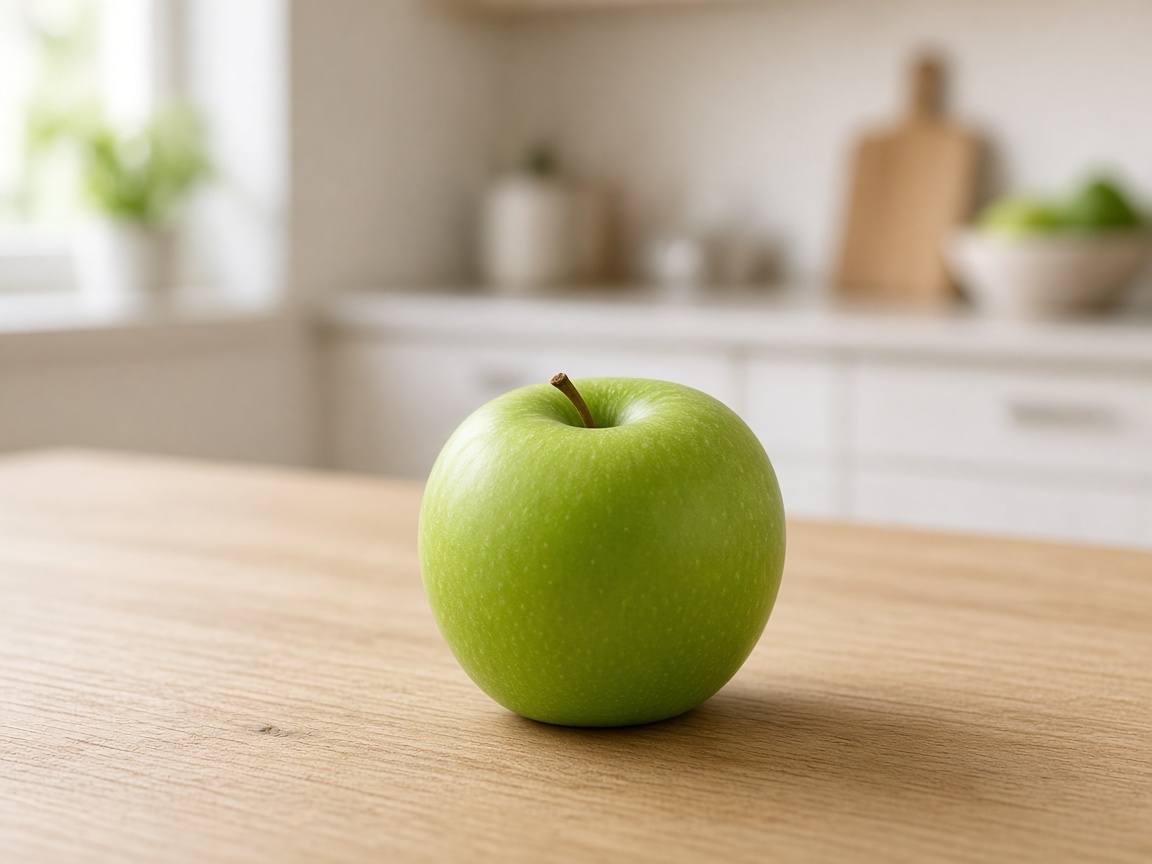
Image to image keeps the photo you uploaded and follows the sentence. Use it to clear a background, shift a color, or replace an object while the rest of the frame stays put.
Upload one photo for this path. The credit count is the model you selected, shown before the run. If the result is close, Keep editing spends a new run on that still.
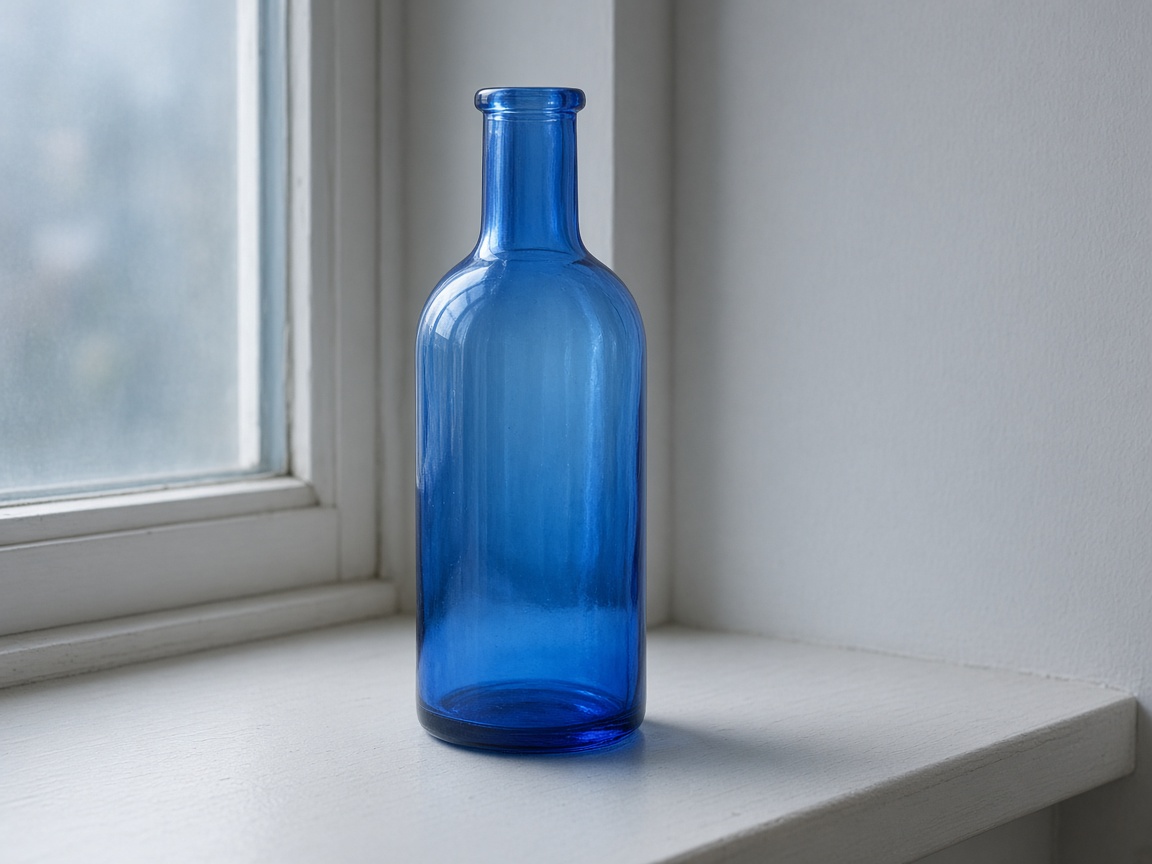
The same photo can take more than one sentence. Change the background on the first run, then the light on the second. Each run is billed on its own, and a failed run returns its credits.
Results stay in your account for the retention that comes with the plan or pack you bought. Download a still when you want a copy outside the account.
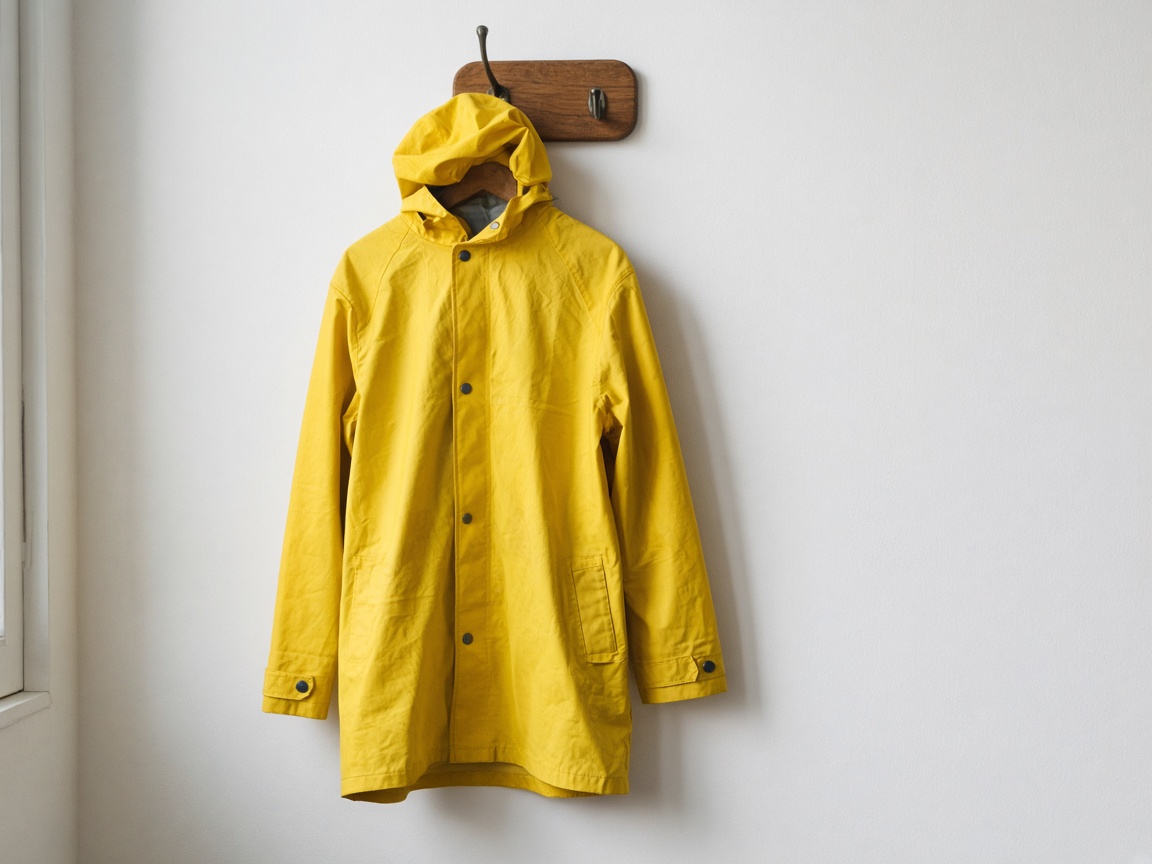
Text to image starts from the sentence. There is no photo to upload.
Image to image keeps the photo you upload and follows the sentence.
Credits on Generate match the model and the settings before the run.
Keep editing spends a new run. A failed run returns the spend.
Text to image starts from words. Image to image starts from a photo.
Each model shows its own credit cost for the frame you set.
Generate names the credits before the run starts.
Save the still, or send it through another pass.
Lite $17 / Plus $33 / Pro $72 — full list on pricing
Yes. The generate button names the credits for the model you selected, before the run starts.
A failed run returns its credits on its own. You do not need to request them.
Yes, when you own the source. On the photo path that is the picture you uploaded. The same commercial-use line is on every plan and pack.
Use Keep editing on the result, or download it and upload it on the photo path. Either way spends the selected model's credits again.
No. The two paths here write or change a still. A clip from a sentence or a photo lives on the AI video generator.