Image to video turns one still into a short clip.

Open
Background

Clear the background and keep the subject

Bring in a photo whose subject should stay. The run clears the room behind it and sets that subject on a plain ground.

Single edit

Model

Quick select

Changes one thing and keeps the subject recognizable.

The upload is deleted within one hour after the run finishes. It is not used to train photoeditor models. The provider receives it only to make that edit.

Try these examples

Aspect ratio

Results 1/4

Each result spends the model credits again. Reference images share one run.

  • The button shows the credit cost before it runs.
  • Monthly credits last a month. A credit pack does not expire. This model does not set a resolution.
  • A photo edit usually finishes within a few minutes. A 720p video takes longer. If you leave, Creations still keeps it.

Upload an image first.

Unlabeled amber pump bottle on a kitchen counter beside a bowl
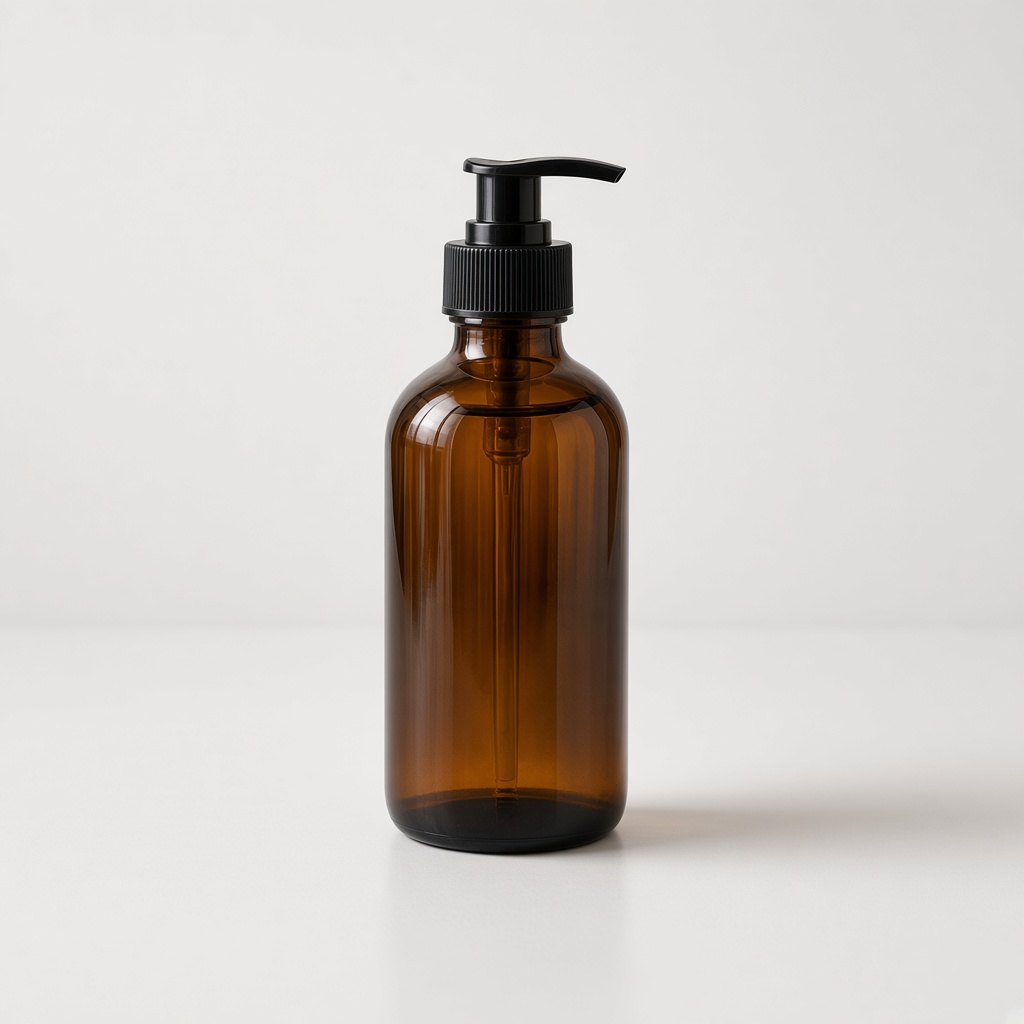
Put the bottle on a plain gray ground. Keep the bottle.
The same amber pump bottle on a plain gray ground

This example does not fill the upload.

Where people use it

How a run works

  1. 1

    Upload a JPEG, PNG, or WEBP.

  2. 2

    Write the change, or start from an example.

  3. 3

    Choose the model and the ratio. Resolution stays at the priced 1K size. The button shows that cost.

  4. 4

    Generate, then download the result or keep editing it.

Questions

How much does one background removal cost?

Standard is 2 credits. Nano Banana 2 is 4 credits at 1K. Nano Banana Pro is 8 credits at 1K. On Lite monthly, $17 for 400 credits, those runs are $0.085, $0.17, and $0.34.

Can I see the cost before I generate?

Yes. The button shows 2, 4, or 8 credits for the model you selected, before the photo is uploaded.

What happens if the background removal fails?

A failed job returns the credits it spent, without a request. Asking for a different ground afterward is a new run. A renewal is not refunded. A credit pack can be refunded within 14 days only when none of that pack's credits have been spent.

Can I use the result commercially?

Yes, when you already have the rights to the photo and the subject in it. The cutout does not grant rights to a face or a product you did not own.

Can I edit the result again?

Yes. Keep editing can place the subject on another ground. That pass spends credits again at the model you pick then.

Which photos should I skip?

Skip a file over 10MB, and skip a photo where the room has to stay. This page takes the ground out and keeps the subject. A JPEG, PNG, or WEBP at or under 10MB is the fit.

Related tools