A source you own
The edit starts from the picture you upload, not from a blank frame.
Image to video turns one still into a short clip.
OpenUpload a photo, name the one change, and generate a new still. The button shows the credits for the model you picked.
Model
Size
Outputs
Write a prompt.
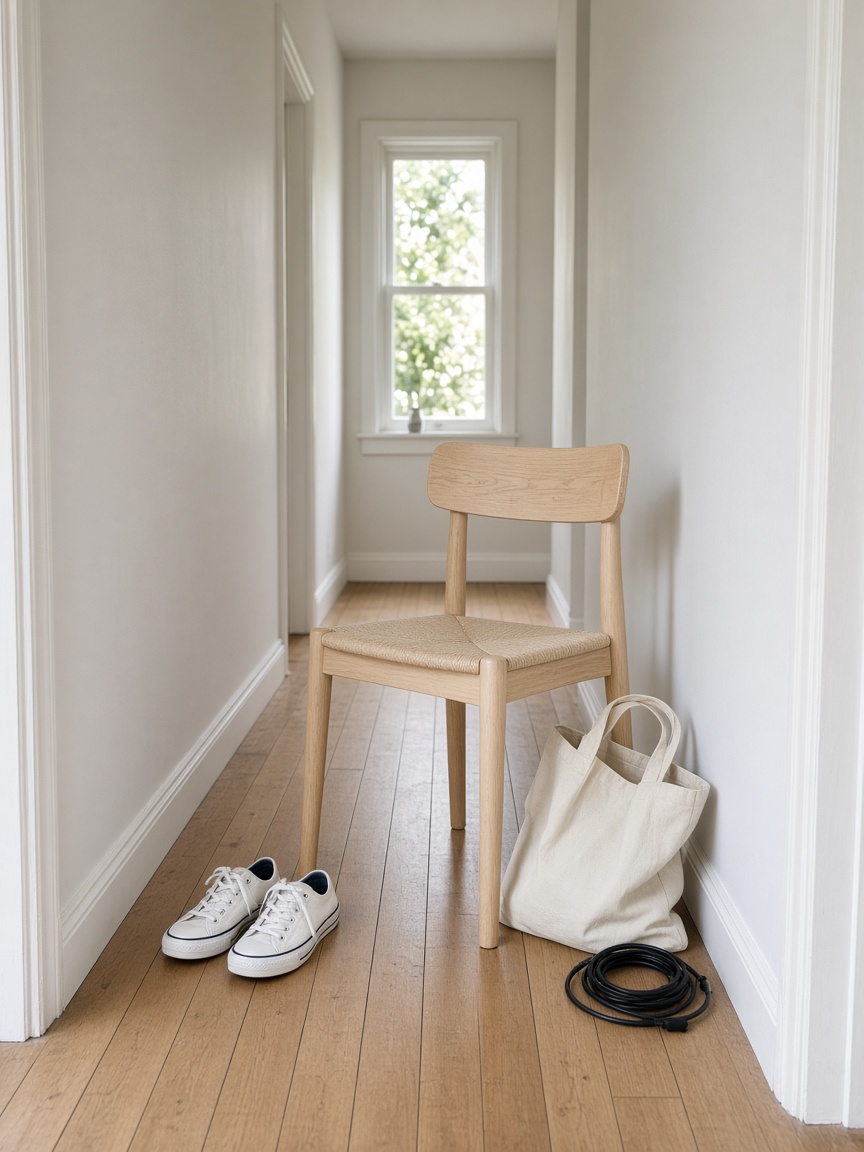
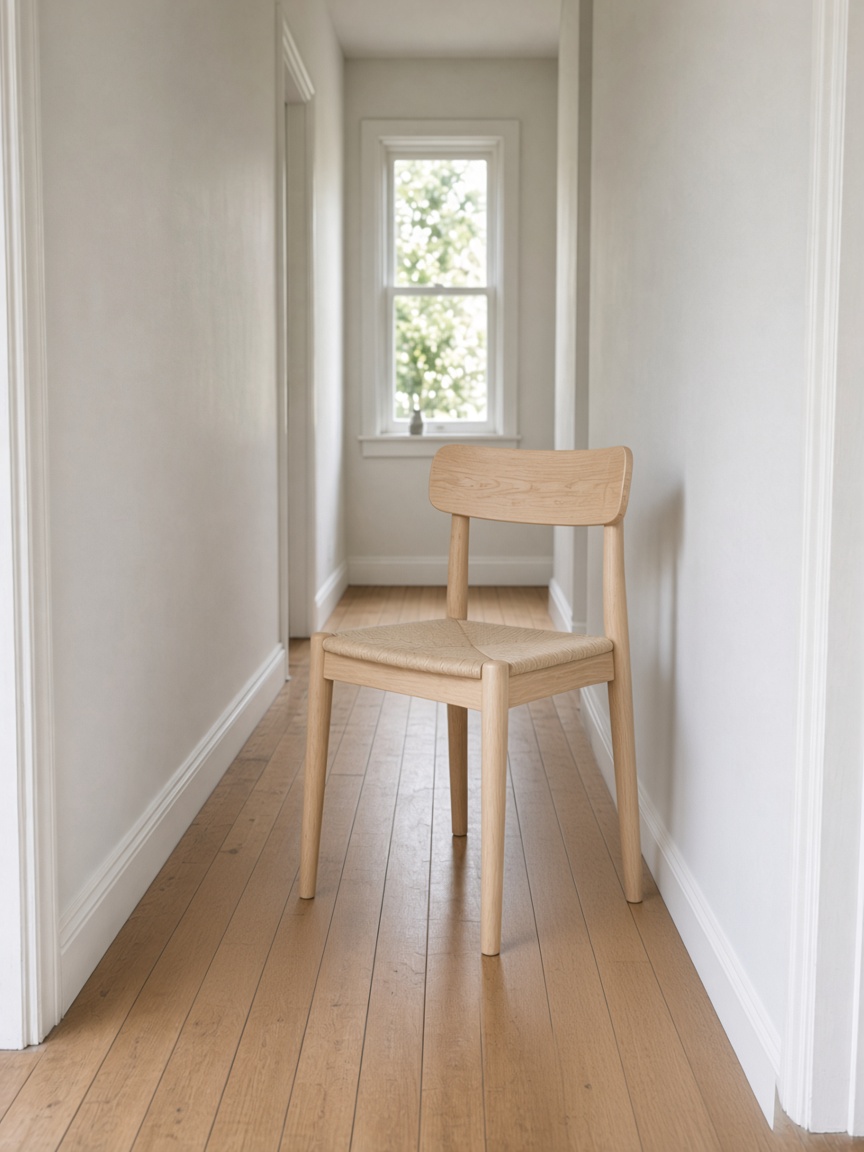
This example does not fill the upload.
The upload is the subject. The sentence is the change. A background can go plain, a distraction can leave the frame, a color can shift, and the object you brought should still be identifiable. The form accepts JPEG, PNG, and WEBP up to 10MB. It does not accept a prompt with no file, and it does not offer a resolution above the model's listed output.
Each model prints its own credit cost, including the resolution it lists. Changing the ratio does not change that number. Changing the model does, and the button updates before anything is sent. There is no second charge after the still appears.
Keep editing takes the finished still and uses it as the next upload. That is a new run. It spends the selected model's credits again. Downloading the file and uploading it yourself is the same kind of run. A video file has no Keep editing control, because this page returns a still.
If the provider rejects the file, times out, or returns nothing usable, the credits for that run come back. You can change the sentence or the model and start again. The original upload is deleted within an hour after the run finishes. It is sent only to make that edit.
The edit starts from the picture you upload, not from a blank frame.
Write the change in a sentence. The model follows that line.
The button matches the model and the settings before you generate.
A later pass is a new run on the still you already made.
Image to image starts with a file you upload and ends with a still. The prompt is an instruction about that file, not a description of a scene that does not exist yet. Replace a background, clear clutter, shift a color, or restore a faded print, and the person or product should remain recognizable. The page does not accept a blank canvas. Models that list 2K or 4K show that tier's credits on the button.
Each model on the form prints its own credit cost. Changing the ratio does not change that number. Changing the model does, and the button updates before anything is sent.
A useful edit is a small disagreement with the photograph, not a new photograph. The mug should still be that mug. The coat should still be that coat. Image to image is the page for that kind of instruction. The model menu exists because the same sentence can be worth 2, 4, or 8 credits depending on which priced model you trust with the file, and the button says which one you picked.
Ratios change the frame. They do not change the credit price of the selected model. If you need motion instead of a still, image to video is a different page, and its button shows the credits for that model, resolution, and length.
Choose a model. Upload a JPEG, PNG, or WEBP of 10MB or less. Write the one change. Pick a ratio if the default frame is wrong. Read the credits on the button. Generate. The stage keeps the source next to the result, and Keep editing can send that result back through the same form, which spends the model's credits again.
Add the photo. This page does not start from text alone.
One sentence for the part that should change.
The credit count is the model you selected.
Download the still, or run again. A failed run returns the spend.
Shops use this page when the product is already photographed and the ground, the clutter, or the color is the problem. Portrait work stays inside the same rule: the person you uploaded is the person in the result. Restoration is the same form, with a sentence about the fade or the scratch, not a request for a different face.
A picture that starts from words alone is on the text to image page, and the button there shows that model's credits before it runs. A short clip of a still is image to video.
Lite $17 / Plus $33 / Pro $72 — full list on pricing
No. Every model on this page requires at least one JPEG, PNG, or WEBP, at or under 10MB. A sentence with no file does not start.
Four. Nano Banana Edit, Nano Banana 2, and Nano Banana 2 Lite take up to 10. Nano Banana Pro takes up to 8.
No. The ratio changes the frame. The credits change when you change the model or a priced resolution, and the button updates before the run.
Yes. That is a new run and spends the selected model's credits again. This page returns a still, so there is no clip control here.